













For people who
collect to create.
Turn the  links,
  notes,
  videos,
  images or any other
  idea you collect into something you
  make.
make.






Save Anything
From videos to articles to images — organize everything in one place.




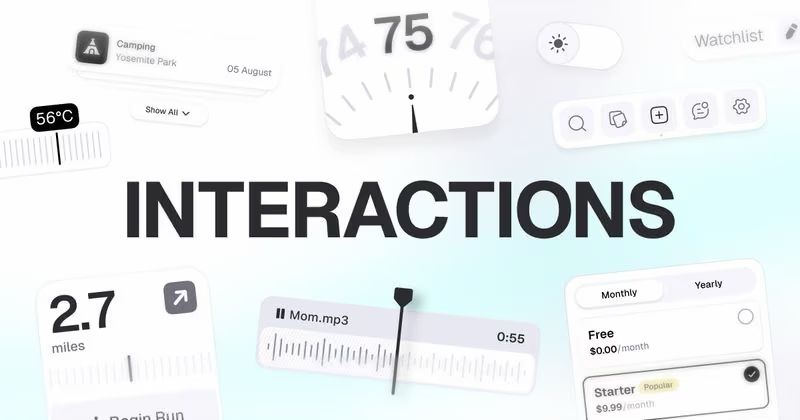




Turn Saves Into Answers
Chat with everything you’ve saved, or search by meaning. AI understands the context — you don’t have to remember the exact words.











Available Where You Are
Save from your phone, your browser or your terminal. Everything lands in the same library.





Questions & Answers
How is Edicek different from other bookmark apps?▼
Edicek is more than a bookmarking tool. You can save bookmarks, write notes, and chat with your AI assistant every day — with files and images coming soon. It becomes a personal memory you carry with you.
What makes it different is the focus on why. Most apps just store links. In Edicek you add a short note about the context or intent, and the AI retrieves content by meaning — not just keyword matches.
This small shift — capturing the why — is what turns a pile of saved items into something you can actually use.
How do I save bookmarks?▼
There are multiple ways to add a link to Edicek — directly in the web or iOS app, or through the Chrome extension.
Chrome extension — one click on the Edicek icon, add a note about why you're saving it, and save. Works on macOS, Windows, and Linux.
iOS app — in any app with a Share button, tap Share and select Edicek. Add a note and save.
Web app — paste a link directly at my.edicek.com.
Which apps can I save links from?▼
Virtually any app with a Share button works through the iOS Share Sheet — YouTube, TikTok, X/Twitter, Safari, Chrome, Reddit, LinkedIn, Instagram, Threads, Spotify, Apple Podcasts, Mail, iMessage, WhatsApp, and Signal.
YouTube and TikTok videos are automatically transcribed so their spoken content becomes searchable. Articles get full text extraction and clean summaries. Social media posts capture the post text and author.
Is there a Windows app?▼
There's no native Windows app yet — and no native macOS app either. But the Chrome extension works on both, and the web app runs in any browser.
Is there an Android app?▼
Not yet. We're currently focused exclusively on the Apple ecosystem, so native mobile support is iOS only. Android users can still save and search through the Chrome extension and the web app.
Does it work offline?▼
The iOS app caches your chats and bookmark cards so you can read them offline. But sending a message, saving a new bookmark, editing a note, or opening something you haven't viewed before requires an internet connection.
Can I import from other bookmark apps?▼
Automated import isn't available yet — it's on the roadmap.
In the meantime, if you'd like to bring your existing bookmarks over, just send them to [email protected] from the email you signed up with — we'll be happy to help get everything in :)
Ready to unlock hidden potential on every page?
Start capturing your knowledge today. No credit card required, no complex setup - just sign up and start saving what matters.