Product Updates
Since March 2025, we've shipped over 2,600 improvements. Every update makes Edicek a little bit better. Here's what changed.


Mac 1.9 — Modal Focus Fix
Fixed an annoying bug where the chat input was stealing focus from modals. When you opened a sheet like New Note or New Bookmark, the chat input was instantly grabbing focus back, so you couldn't type into the modal.
Now the chat input stays out of the way while a modal is open, and refocuses itself once you close it.

Edicek for Mac
On your Mac, Edicek used to stop at the Safari extension - great for saving a page, but the moment you wanted to actually browse your saves, chat, or write something longer, you were back in the browser. For everything beyond saving, the Mac felt like the one device Edicek had skipped.
Not anymore. Edicek on Mac is now a full native app: browse everything you've saved, chat with your AI assistant, write and edit notes, and save bookmarks - all of it in a proper Mac window built around the bigger screen. Same workspace, same data, same flow as your iPhone and iPad, just finally at home on your desktop.
And with that, the picture is complete - Edicek is now a real app on iPhone, iPad, and Mac, with the web app always there as a fallback wherever you are. Whichever device you reach for, your saved content is ready and waiting.

Edicek for iPad
Your iPad is where you slow down with things - reading a long article in the evening, going back through everything you saved during the week on a screen big enough to actually enjoy it. But until now, the only way to use Edicek on your iPad was in the browser, and saving links was a hassle - with no Share Extension, getting something into Edicek meant copying the URL and pasting it in by hand.
Now Edicek is a real iPad app: the full experience you know from your iPhone, built for the bigger screen, with the share sheet finally saving straight into Edicek from Safari, Instagram, or wherever you are. Everything syncs with your phone and the web, so the bookmark you save on the couch is waiting on your laptop the next morning.

Blur Sensitive Content
Some bookmarks and notes weren't meant for shoulder-surfers. Sensitive Cards lets you keep them in Edicek without putting them on display every time you open the app near someone.
Mark any card as sensitive and Edicek blurs both the preview and the note — not just the thumbnail — across the timeline, collections, and search results. A blurred card still surfaces when you search for it; the content just stays hidden until you tap to reveal. Available everywhere: long-press on iOS and iPad, the three-dot menu on Mac and web, or directly from card detail.
The blur restores itself the moment you leave the app, so you never have to remember to hide anything.

iOS 1.6 — Unified UI & Sharper Gestures
Looks like a small update on the surface, but under the hood it's a big one. The iOS app now speaks the same brand language as the web — warm linen surfaces and crisp thin borders everywhere, with the share popup wrapped in a painted background instead of the flat look from before. Dark mode is properly dark now, deep neutral black surfaces instead of the cool blue cast from before.
A few rough edges are gone too. The sidebar only opens when you swipe from the very left edge, so it stops popping up mid-scroll by accident.
Groundwork for the next wave of features is in. The next few iOS releases will move quickly on top of it.

Safari Extension
You're deep in Safari on your Mac, reading an article worth keeping, and you reach for a way to save it into Edicek - but until now, that meant switching tabs, opening the app, and pasting the URL. If you live in the Apple ecosystem, that extra detour added up fast, especially when Chrome users already had a one-click option.
Edicek now has an official Safari extension on the Mac App Store. One click from your Safari toolbar opens a save dialog right on the page, add a note for context, and you're back to reading. Same quick workflow you know from our Chrome extension, now native to the browser most Mac users actually use.
The extension ships inside a small Mac app that walks you through enabling it in Safari - think of it as a placeholder for now. We're working on a full native Mac app, and when it lands, it'll live right there alongside the extension, so everything Edicek on your Mac comes from one place.
This is a big step for us. Between the iPhone app, Share Extension, and now Safari on Mac, the Apple ecosystem is finally covered end to end. If you're an Apple user who's been waiting for Edicek to feel at home on your devices, this is the moment.

Daily Free Credits
Credits used to run out and that was it - pay up or stop. Now every day you open Edicek, 2,000 free credits land in your balance. No purchase needed, no strings attached. Just use the app.
No subscription required, no free trial with an expiration date. Simply use the app and credits appear in your balance the next morning. Save bookmarks, create notes, chat with your AI assistant - all funded by your daily grant. Run out mid-day? Buy more if you need to, but your free daily credits keep coming regardless.
Right now, 2,000 daily credits should be more than enough for most users - even heavy ones. This offer may change in the future, so don't wait - use it, save everything that matters, and build your knowledge base while the credits are flowing.
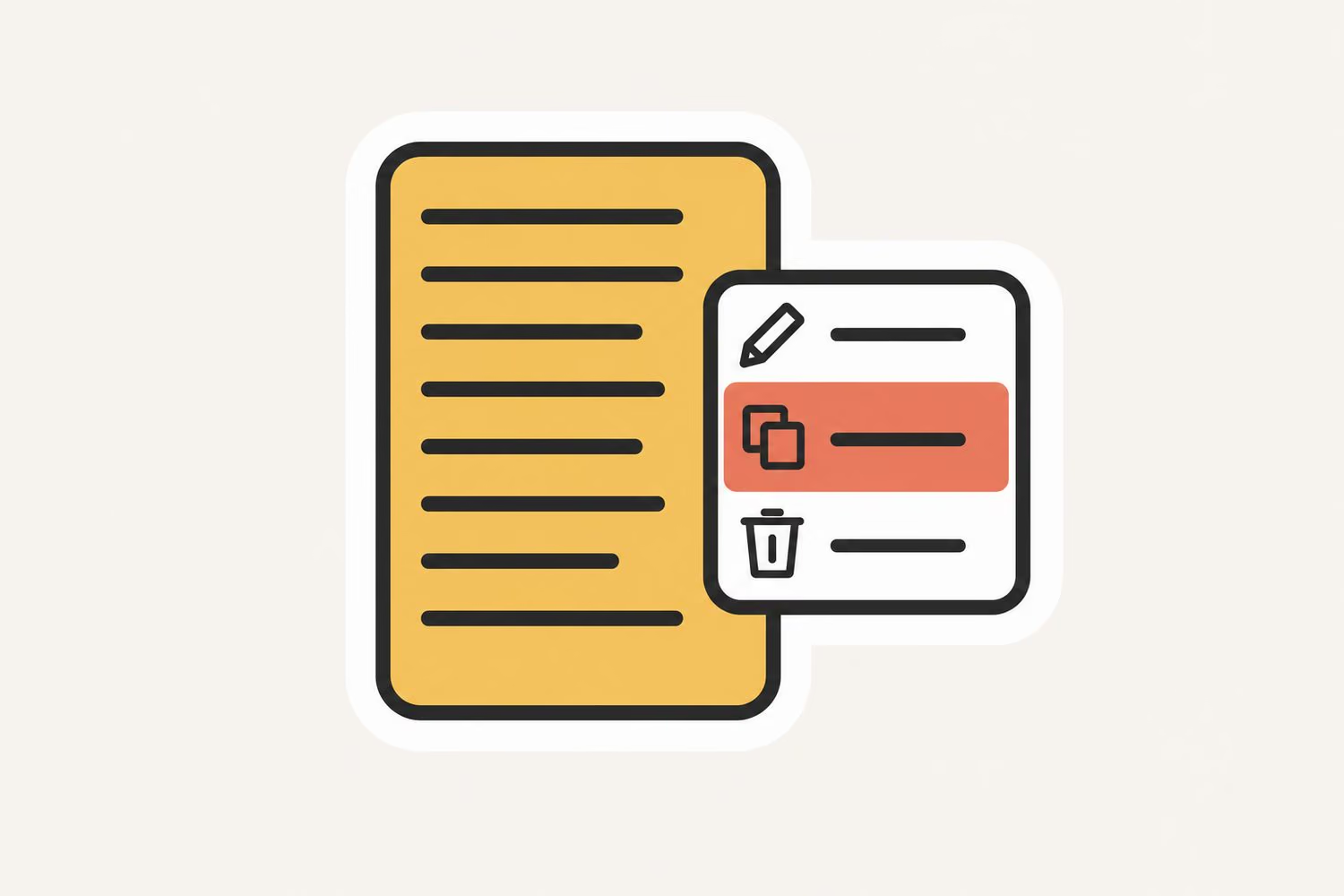
Copy Note Content
You wrote a note in Edicek - maybe a quick thought, a meeting summary, or a recipe you jotted down - and now you need it somewhere else. But there was no quick way to grab just the text. You'd have to tap into the note, select all, copy, and hope the formatting came through.
Now there's a Copy action right in the card menu. One tap on your iPhone or one click in the web app and your note content is on the clipboard, ready to paste anywhere. No extra steps, no selecting text, no fumbling around.
It's a small thing, but when you need your own words somewhere else fast, it makes all the difference.

iOS 1.4 — Smarter Sharing from Misbehaving Apps
Some apps don't share links properly — instead of giving the share sheet a clean URL, they hand over a chunk of text with the link wrapped inside (Zalando, Facebook, and a few others love to do this). Until now, Edicek's share extension only listened for URL shares, so it didn't even show up in the share sheet from these apps.
Now Edicek listens for text shares too. If the shared text is essentially just a link with some extra characters around it, you'll get a bookmark card with the URL, title, and preview — exactly like sharing from Safari. If it's text, it saves as a note.
Pull to refresh is here too. Cards already refresh on their own every time you open the app, but if something feels stale mid-session you can now just swipe down on the timeline to reload — no need to close the app and reopen it just to pull in the latest.

iOS 1.3 — Save Bookmarks In-App & Sort Your Cards
No more switching to the share sheet just to save a link. Paste any URL directly in the app and it becomes a bookmark card instantly. Combined with the new sort options — newest, oldest, recently updated, or least updated — finding and organizing your cards is now entirely possible without ever opening the web app.
Under the hood, the entire app feels significantly faster with smoother animations and no more visual jank.

Card Sorting & Filtering
You've saved dozens of bookmarks and notes into a collection, but finding the right one means scrolling through everything in the order you saved it. Maybe you want the newest first, or you're looking only for bookmarks and not notes. Until now, you just had to scroll and scan.
Your cards now have a filter menu on iPhone. Sort by date, filter by type - bookmarks, notes, or images - and find what you're looking for without the endless scrolling. Your collection with fifty saves becomes manageable in two taps.
Your cards, your order. The way you browse your knowledge should match the way you think about it, not the way it happened to be saved.

Chrome Extension
You're reading something worth saving and you want it in Edicek - but that means opening a new tab, navigating to the app, pasting the URL, and adding a note. By the time you're done, you've lost your flow and maybe even forgotten why you wanted to save it in the first place.
Edicek now has an official Chrome extension. One click and a save dialog appears right on top of the page you're browsing. Add a note for context, hit save, and you're back to reading in seconds. No tab switching, no copy-pasting, no interruptions.
On iPhone, you still have the Share Extension to save from any app - same quick workflow, just swipe and save. Now whether you're on your laptop or your phone, saving to Edicek is always one action away.

iOS 1.2 — Search, Privacy Mode & Card Details
This update turns the iOS app from a companion into a full-featured Edicek experience. Search through your cards right from your phone, view and edit card details with a single tap, and filter cards by type to find exactly what you need.
The new bottom toolbar puts creating chats and notes within easy thumb reach, and long-pressing any card gives you quick actions like copy, hide, or delete without opening the detail first.
Chat got better too — swipe to open the sidebar, see chat titles in the header, and chats are now grouped by time so finding yesterday's conversation is instant.

Memory Toggle in Chat
You're chatting with your AI assistant and you ask something simple - maybe a quick translation or a general question that has nothing to do with your saved content. But the assistant still searches through your entire knowledge base first, taking longer than it needs to for an answer you could get instantly.
Now there's a memory toggle right in the chat. Turn it off when you know the answer doesn't need your saved knowledge, and get a faster, more direct response. Turn it back on when you want the assistant to dig into your bookmarks, notes, and collections to give you a personalized answer.
It's a small switch that puts you in control of how your assistant thinks - quick and general when you need speed, deep and personal when you need context.

iOS 1.1 — Polished First Impressions
The first update after launch focused on making the app feel more polished and consistent. New chats now greet you with a friendly welcome message, and the sidebar auto-scrolls to your active chat so you never lose track of where you are.
The home screen widget got a visual upgrade — the text label was replaced with the Edicek logo, dark mode looks better, and the rendering is sharper on all screen sizes. Color consistency across light and dark modes was improved throughout the entire app, so nothing feels out of place no matter which theme you prefer.
Small details like these make the difference between an app you tolerate and an app you enjoy using.

Edicek for iPhone
You're on your iPhone reading something interesting and want to save it to Edicek. Until now, that meant copying URLs and pasting them manually, or setting up an Apple Shortcut - not exactly a two-click experience.
Edicek is now a native iOS app on the App Store. Save bookmarks, create notes, and chat with your AI assistant - all from your iPhone with the speed and polish you expect from native apps. Everything syncs instantly, so that article you saved on your morning commute is waiting when you sit down at your laptop.
Whether you're using Face ID to sign in, sharing content from Safari, or reviewing your timeline while waiting in line, your knowledge base is now truly with you everywhere.

Keep Saving Without Credits
You're browsing the web, you find something worth saving, and you hit the save button - only to be told you're out of credits. That moment of discovery is gone. The article, the recipe, the tool you stumbled upon - lost because of a billing issue. That never felt right to us.
So we changed it. Saving bookmarks is no longer blocked when your credit balance hits zero. Whether you're using the web app, the browser extension, or sharing from your iPhone - if something resonates with you right now, save it. What you find valuable is worth more than a few credits. Your balance may go negative, but we'll settle up later once you have credits again.
We don't think it's fair to stand between you and the things that matter to you just because your credits ran out at the wrong moment. Save first, worry about credits later.

Buy Credits on iPhone
You're using Edicek on your iPhone when you run low on credits. Before, you had to switch to your computer, open a browser, navigate to billing, and go through the credit purchase flow on desktop. Or worse - you're away from your computer entirely and just have to wait. That unnecessary friction meant interrupted workflows and delayed tasks right when you needed to keep moving.
Now you can buy credits directly from the iOS app using Apple In-App Purchase. Same secure payment system you use for apps and subscriptions - Face ID, Touch ID, or your Apple password. Credits appear in your account instantly, and you're back to work without ever leaving your phone.
Your Apple payment methods, your familiar checkout experience, and instant credit delivery. No browser required, no desktop detour, no workflow interruption. Just tap, confirm, and continue with what you were doing.

No More Entries, Welcome Cards
We've been calling your saved bookmarks, notes, and images entries since day one. It was technically accurate but never felt right - nobody thinks "I'll create an entry" when saving an interesting article or jotting down a quick note. The word felt cold, database-like, and completely disconnected from how you actually use Edicek.
Everything you save is now a card. Your timeline shows cards. Your collections contain cards. You search through cards. It's a small word change that makes the whole experience feel more natural and intuitive - cards are things you flip through, organize, and add to collections (ehm, soon, maybe?). That's exactly what you do in Edicek.
This is a cosmetic change across the entire interface - nothing about how your saved content works has changed. Everything is right where you left it, just with a name that finally fits.

Delete Your Account
You want to leave a service, close your account, and know your data is truly gone - not archived somewhere in perpetuity. But many apps make deletion nearly impossible, hiding it behind support emails and unclear timelines. You deserve a clear, honest way to completely remove your account and everything associated with it when you're done.
Go to your account settings and you'll find a straightforward "Delete All My Data" option. Click it, confirm you're serious, and your account gets scheduled for complete deletion. Everything - your saves, notes, collections, chat history, all of it - will be permanently removed. We give you a grace period in case you change your mind, and if you log in during that time, deletion is automatically cancelled.
This is your data and your choice. When you want out, you should get out - cleanly, completely, with no lingering traces or unclear status. That's how account deletion should work everywhere.

Copy as Markdown
You've saved a great article, highlighted the key parts, and now you want to use that knowledge somewhere else - maybe in a ChatGPT conversation, a Claude prompt, or a document you're writing. But copying from Edicek meant losing all the structure. Links, headings, lists - everything came out as flat text.
Now you can copy any bookmark as Markdown with one tap. On your iPhone or in the web app, hit Copy as Markdown and get clean, structured content ready to paste into any tool that understands Markdown. Your notes, extracted content, and metadata all come through formatted and ready to use.
Whether you're feeding context to an AI assistant, drafting a blog post, or building a research document - your saved knowledge now travels with you in the format that actually matters.

Logout Everywhere
You're traveling and realize you forgot to log out from that hotel lobby computer. Or your old phone is sitting in a drawer somewhere, still logged into your account. Maybe you just want a fresh start and aren't sure which devices are still connected. That nagging worry about orphaned sessions used to mean manually tracking down every device or just hoping for the best.
Now you have one button that instantly logs you out across every device - your laptop, phone, tablet, that forgotten browser session from three months ago. Everything. In one click, you're signed out everywhere except the device you're currently using. No detective work, no wondering, no vulnerability window.
Check your device list in settings first if you're curious what's connected, or just hit "Logout Everywhere" when you need complete peace of mind. Your account, your control, instantly enforced across every active session.

Apple Sign In
You wanted to try Edicek, but the only sign-in option was Google and you don't use Google. Or maybe you do, but you'd rather keep everything in your Apple ecosystem. Now you can sign in using your Apple ID - a faster, more secure way to access your knowledge base that respects your privacy.
Until now, Google was the only sign-in option - but not everyone uses or prefers Google. Whether you're an Apple ecosystem user who wants everything in one place, or you simply prefer Apple's privacy-focused approach with their "Hide My Email" feature - where you control exactly what information you share, even keeping your name private if you choose - you now have the freedom to use what works best for you.
If you're using Edicek on your iPhone, iPad, or Mac, this is the fastest way to sign in - just Face ID or Touch ID, no pop-ups, no typing passwords.

Hide Chat Sidebar
Sometimes less is more. When you're working on a long conversation or just want more breathing room on your screen, that conversation history sidebar starts feeling like clutter. You can now hide it to get more focus and screen space for what matters - your current conversation.
Perfect for when you're presenting or sharing your screen and don't want others seeing your chat history, or when you just want to focus on a single conversation without the visual clutter of your entire history on the side.
The sidebar remembers your preference - if you hide it, it stays hidden even after you refresh the page or come back later on the same device. Don't worry though, it defaults to open, so nothing changes unless you choose to hide it.

New Chat Keyboard Shortcut
You're deep in a chat conversation, hands on keyboard, typing away, when a completely new idea hits. You want to start fresh - but reaching for that tiny plus button means breaking your flow and grabbing the mouse. Now just press Ctrl+N (or Cmd+N on Mac) to instantly start a fresh conversation - no clicking, no interruptions, just keep your hands on the keyboard and keep working.
Perfect for those moments when you're deep in thought and want to quickly explore a new idea or ask a different question without breaking your flow by reaching for the mouse to click the plus button.
The shortcut works from any chat conversation, clearing the current view and opening a clean slate ready for your next question or discussion with your AI assistant.

Custom Homepage
Choose what page opens first when you launch Edicek - timeline or chat. Perfect for matching your preferred workflow.
Heavy chat users can jump straight into conversations with their AI assistant, while those who prefer exploring their saved content can land on the timeline to browse through their knowledge collection.
This small customization makes a big difference in how natural Edicek feels to use. Start each session exactly where you want to be, whether that's chatting or exploring what you've saved.

Browser Bookmarklet
Save any webpage instantly by adding our bookmarklet (available on your profile page) to your browser - just click it on any page to open a quick-save form.
No more copying URLs, switching tabs, and manually pasting links. Just click the bookmarklet button in your browser toolbar and a sleek save dialog appears right on top of the page you're viewing.
Add a quick note about why you're saving it - this context helps your AI assistant understand how to help you when you're chatting about or searching through your knowledge later. The bookmarklet works on any website and makes capturing interesting content as natural as breathing.

Personal Access Tokens
Generate personal access tokens on your profile page for secure API integration, perfect for developers building custom workflows.
Whether you want to build custom automations, integrate Edicek with your existing tools, or create specialized workflows for your team, the API gives you programmatic access to your knowledge base.
Tokens are scoped to your account and can be easily revoked if needed. Perfect for power users who want to extend Edicek's functionality or build their own knowledge management tools on top of our platform.
And the best part? It's completely free with no extra charges.

Chat Assistant
Start conversations with your personal AI assistant about your saved content using the new Chats tab in the top navigation - ask questions, get insights, or brainstorm ideas.
Your AI assistant has access to everything in your knowledge base and can help you connect ideas, find patterns, and explore new perspectives on your saved content.
You don't need to do anything special - just use the chat like you would ChatGPT or Claude. When the AI sees you're discussing something you've saved before, it automatically reminds you of relevant entries and crafts responses using the maximum context you have on that topic.

Quick Text Notes
Create and save text notes to capture your thoughts, ideas, and important information. One of the key building blocks of your personal knowledge system is now in place.
Whether it's a sudden insight during your morning coffee, notes from a meeting, or a summary of something you've learned, you can quickly jot it down and save it to your growing knowledge base.
This is where it all begins - your first step into building a comprehensive, searchable, and organized system for everything you want to remember and reference later.

Timeline
Browse everything you've saved organized by date on a dedicated timeline page - grouped into today, yesterday, this week, this month, and then by individual months going back in time.
Sometimes you remember when you saved something better than what it was about. The timeline view lets you scroll through your saved content chronologically, perfect for finding that article you bookmarked "sometime last month" or reviewing what you were focused on during a specific project.
It's also a beautiful way to see your knowledge-building journey unfold over time - watch patterns emerge and rediscover forgotten gems from your learning adventures.

Save Bookmarks with Context
Every day you stumble upon interesting content online - an insightful article, a helpful video tutorial, something you want to remember. But bookmarking it in your browser doesn't capture the most important part: why you saved it in the first place. What was it about that article that resonated? Which specific part of that video matters to you? Without that context, your saved links become a graveyard of forgotten intentions.
Save any link from the web - articles, YouTube videos, TikTok clips, anything - and add a note explaining why it's important to you. This is the foundation of Edicek: capturing not just what you found, but why it matters.
Maybe you're researching a work project and need to remember which article explained a specific concept. Or you found a cooking video but only care about the dessert recipe at minute 23. Whatever you save, that context note transforms a simple bookmark into something genuinely useful.
And this is where Edicek's journey begins - with this simple but powerful idea that the context of why you save something matters just as much as what you save.
Ready to unlock hidden potential on every page?
Start capturing your knowledge today. No credit card required, no complex setup - just sign up and start saving what matters.